
Public Safety / Emergency Response
FlightHub 2 Integration Workflow with VMS System
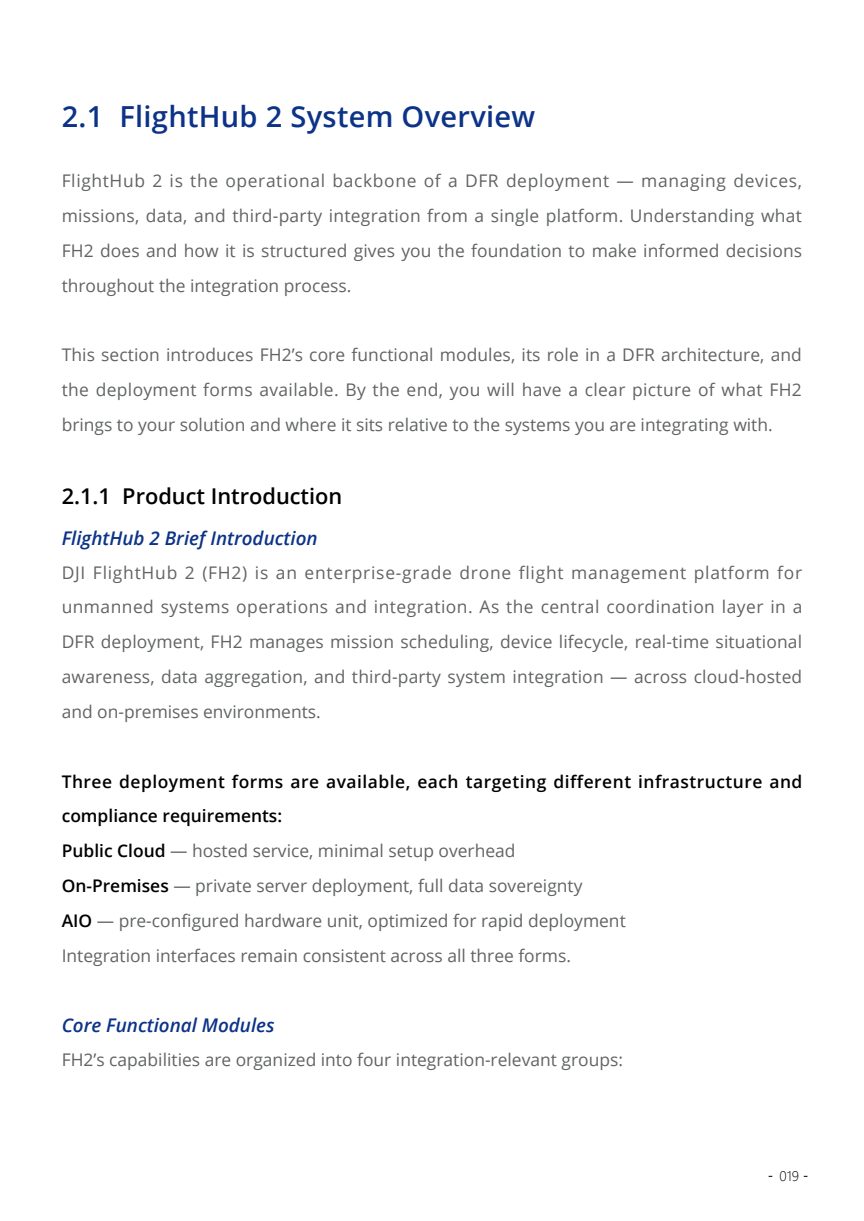
A customer-safe architecture deck for routing DFR aerial video into a neutral VMS Platform or Command Center, while keeping FlightHub 2 as the operational layer.
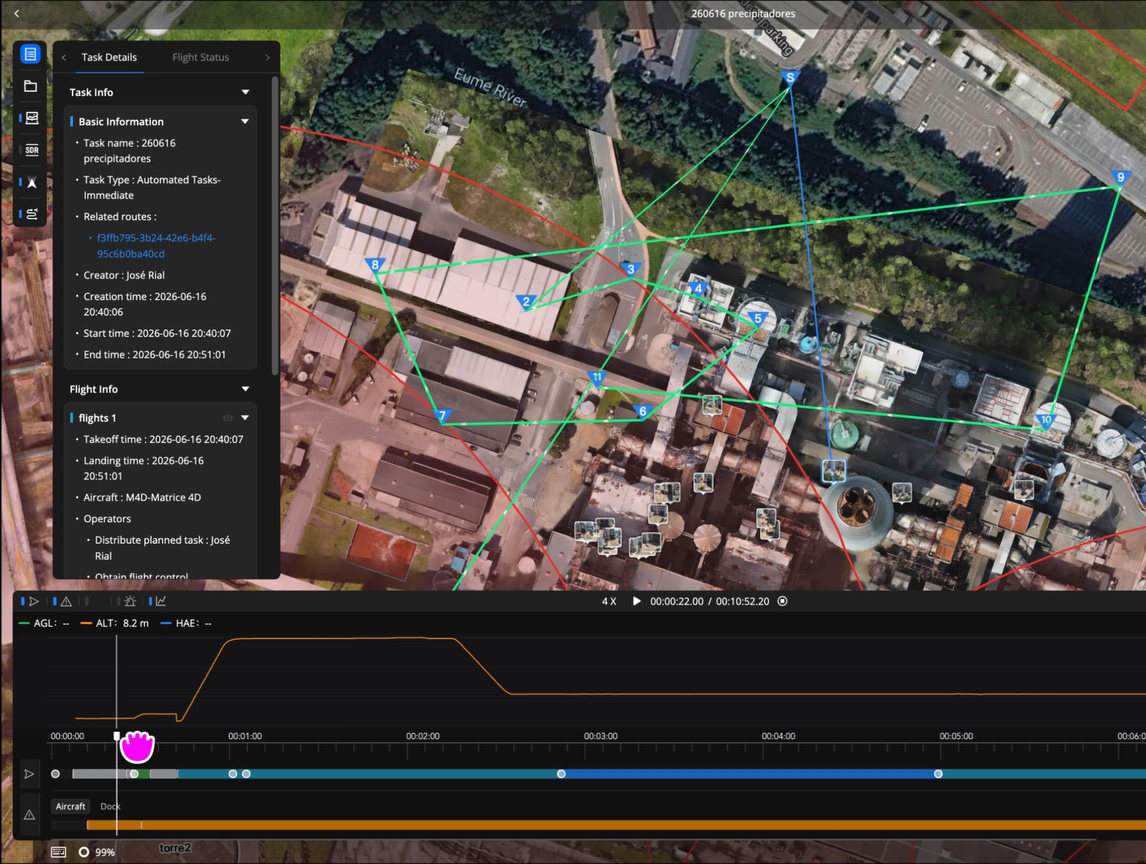
Operational Goal
Give the command center live aerial visibility before ground units arrive.
In a DFR workflow, the VMS is not the flight control system. It is the video distribution, monitoring, and evidence review layer for dispatchers, supervisors, and investigators.
Source basis: DJI Enterprise Dock as First Responder page and the supplied DFR whitepaper.
Protocol Selection
Use the right video path for the customer environment.
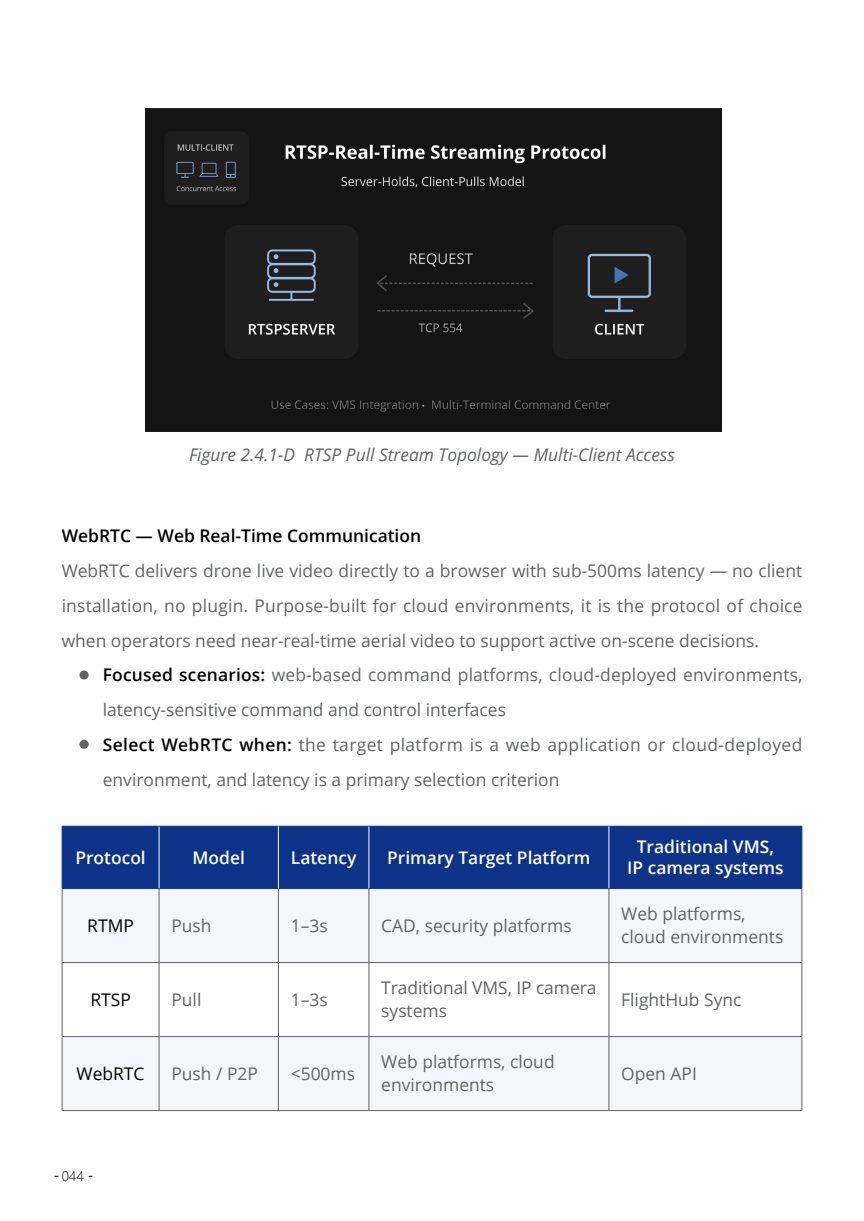
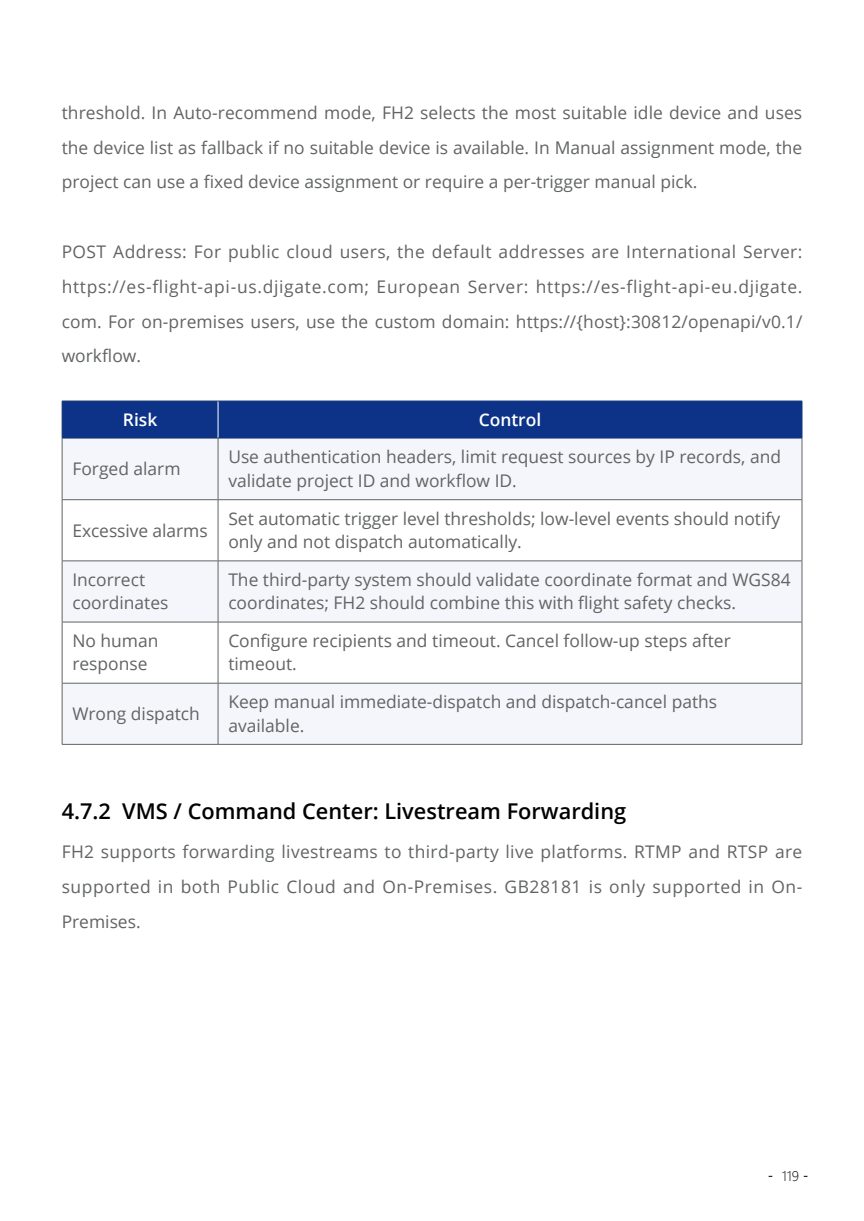
FlightHub 2 can support different live-video delivery patterns. For VMS integration, RTSP is usually the most familiar path for security platforms; RTMP is useful for event-linked distribution; WebRTC is more suitable for browser-based low-latency viewing.
RTSP
Best fit for VMS, NVR, traditional IP-camera workflows, and command-center video walls.
RTMP
Useful for event-triggered broadcast, security operations, and media relay workflows.
WebRTC
Low-latency browser view for command web portals and cloud-style collaboration scenarios.
Architecture Choice
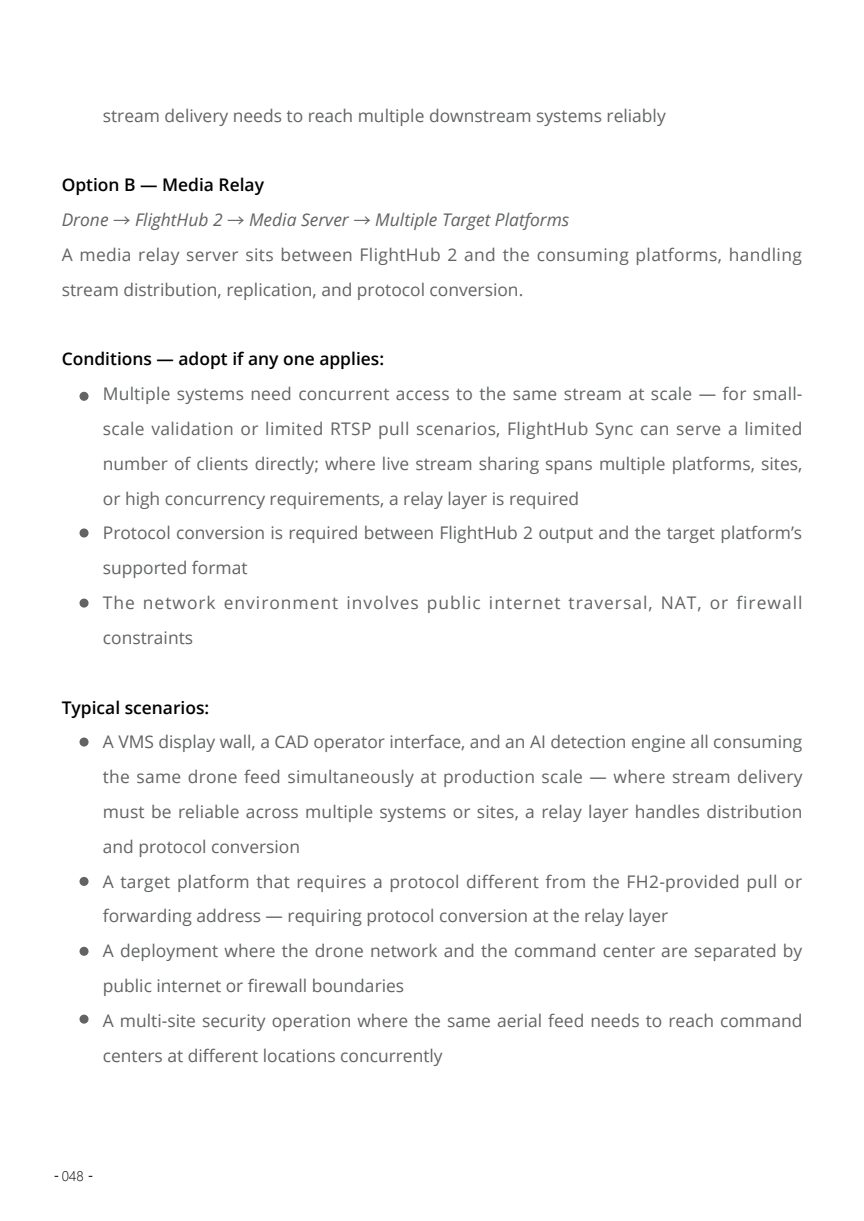
Direct stream for small and controlled integrations.
Use direct streaming when there are only a few consumers, a stable network path, and the VMS can consume FlightHub 2's selected stream format directly.
Low concurrency
Suitable when only one VMS or one command-center endpoint needs the live feed.
Simple trust boundary
Works best when both systems sit within a known network and customer IT can allow the required path.
Fast validation
Good first step for proof-of-concept testing before designing relay or recording expansion.
Evidence & Recording Extension
Recording is an extension of DFR, not a replacement for the VMS.
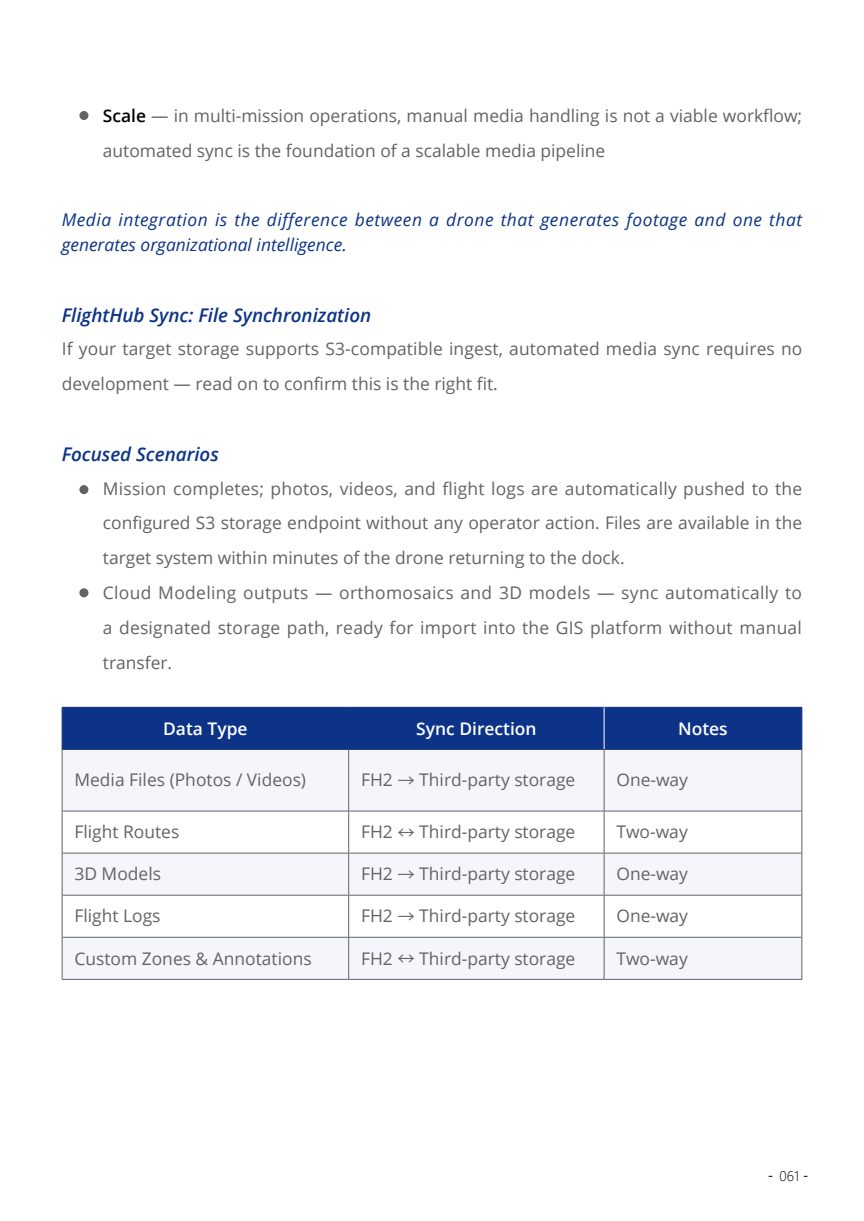
The VMS deck should position evidence handling as an optional extension: long-term recording, event replay, mission media synchronization, and investigation handover. The flight workflow remains controlled by FlightHub 2.
Live recording
Capture mission video when the VMS or archive policy requires replay.
Mission media
Synchronize photos, video clips, panorama files, and annotations to customer storage.
Retention policy
Define storage duration by incident type, compliance need, and customer IT policy.
Case handover
Export replay-ready evidence packages for investigation, training, or public-safety reporting.
Security Boundary
Show enough architecture for IT review, without exposing sensitive implementation details.
Network boundary
Define where FlightHub 2, VMS, relay, and storage sit in the customer network.
Access control
Separate flight-control authority from VMS viewing and evidence-review permissions.
Auditability
Align stream access, operator action, and media export with customer audit expectations.
Customer-facing deck excludes sensitive endpoints, headers, keys, internal service names, and private network values.